
About CrystalDiskMark
CrystalDiskMark is a lightweight storage benchmark for Windows that reports sequential and random read and write speeds in a few clicks.
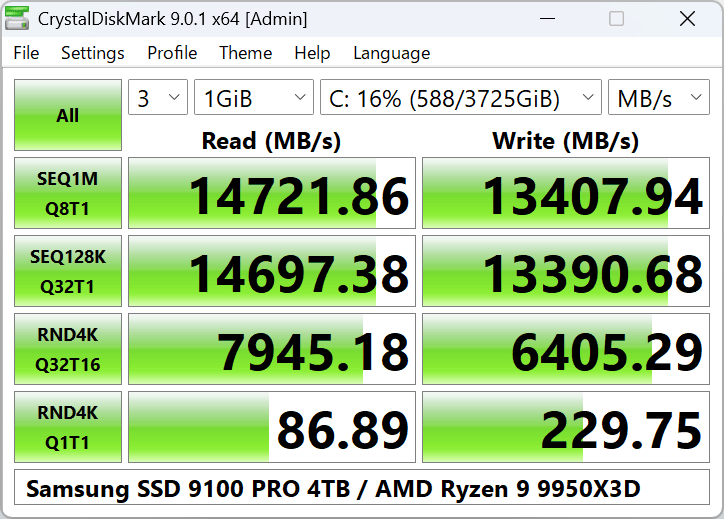
Standard Edition
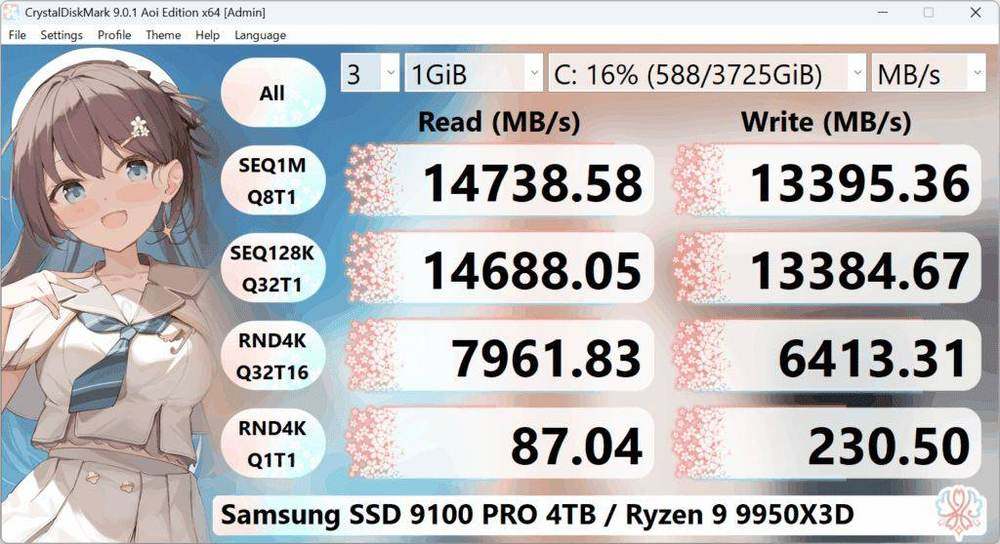
Aoi Edition
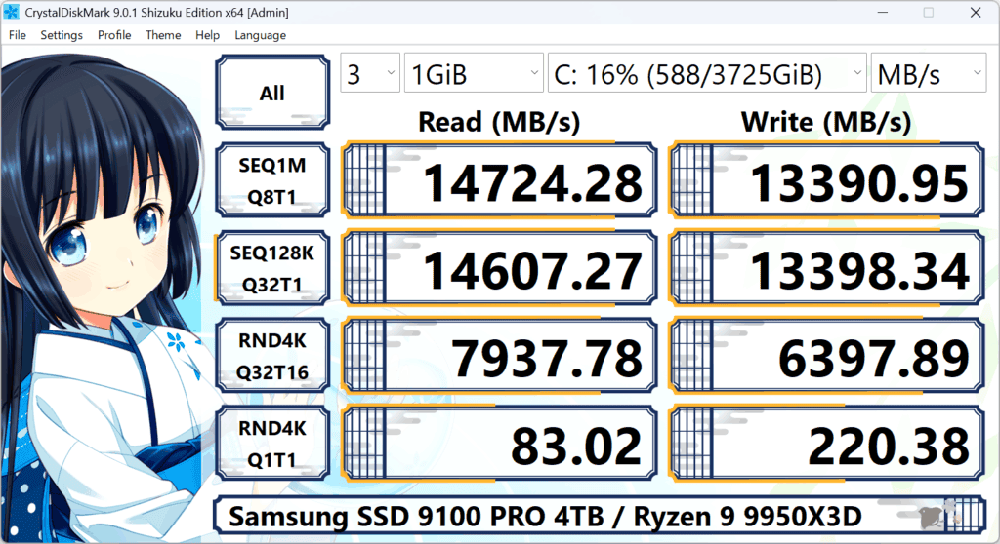
Shizuku Edition
System Requirements
| OS | Windows XP/Vista/7/8/8.1/10/11 Windows Server 2003/2008/2012/2016/2019/2022/2025 |
|---|---|
| Architecture | x86/x64/ARM64 |
- Installer and x64 version does not support Windows XP/2003 (NT5.x).
- Not support Windows 95/98/Me/NT4/2000.
Key Features
- Measure Sequential and Random Performance (Read/Write/Mix)
- Various measure mode (Peak/Real World/Demo)
- Many languages support
- Themes
Important Notice
- CrystalDiskMark may shorten SSD/USB Memory life.
- Benchmark result is NOT compatible between different major version.
- “MB/s” means 1,000,000 byte/sec.
- The result depends on Test File Size, Test File Position, Fragmentation, IDE(PATA)/SATA/RAID/SCSI/NVMe controller and CPU speed etc…
- A part of SSDs depend on test data(random, 0fill).
- If you execute CrystalDiskMark with Administrator rights, it does not show Network Drive.
If you would like to measure Network Drive, please run as w/o Administrator rights.
UAC Dialog: YES -> w/ Administrator Rights, NO -> w/o Administrator Rights
-> FAQ
Unit
- 1GiB = 1024MiB = 1024x1024KiB = 1024x1024x1024B
- 1GB = 1000MB = 1000x1000KB = 1000x1000x1000B